AI in a municipal office: where it helps and where it does not
AI can take the load off the registry, supplier invoices and answers to citizens' routine questions. Decisions in proceedings and official acts stay with the clerk.


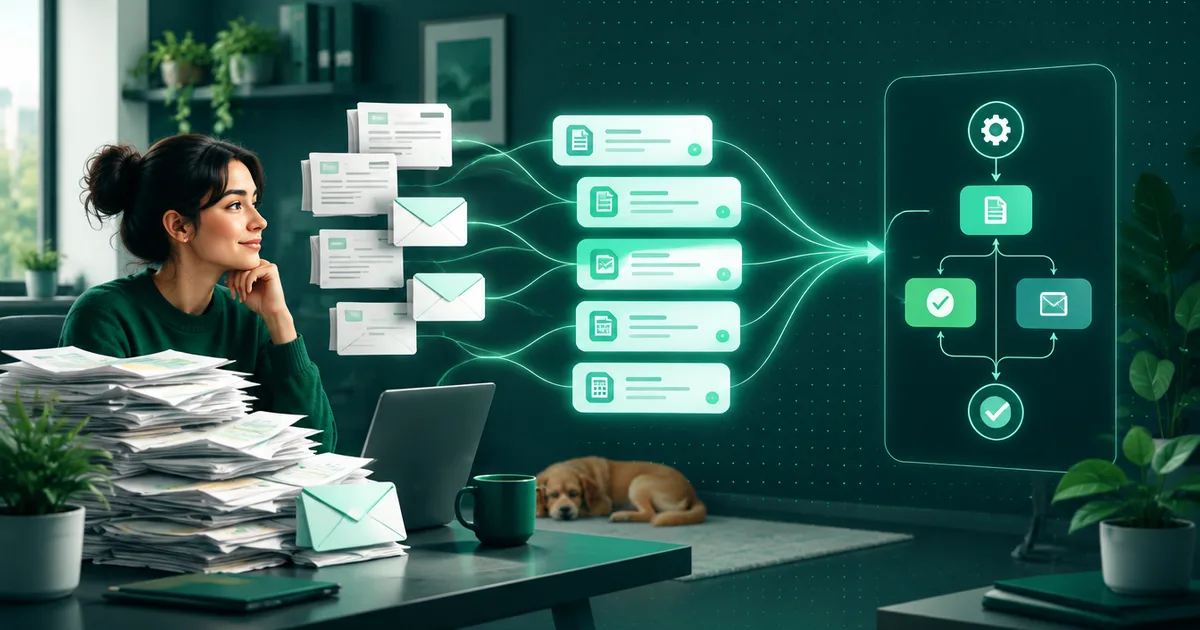
Artificial intelligence in a municipal or city office makes sense where the same task is repeated by hand: reading and sorting e-mails, retyping invoices, answering the same questions. It does not make sense where decisions are made. Decisions in proceedings and official acts are always carried out by a clerk; AI can prepare the groundwork for them.
Below is an overview of what can be automated in an office, what cannot, and what to watch out for with personal data.
Registry: sorting e-mails and submissions
In the registry, someone reads, sorts and records submissions and e-mails. It is repetitive work where a machine can be put to use. The submission is read, the details and contact are extracted from it and entered into the system without manual retyping. An AI assistant works on the same principle: it prepares a record from the incoming text and sends anything it cannot classify to a person.
The registry does not disappear. The clerk remains the one who assesses the submission and decides what happens with it. The machine saves them the first step, that is reading, classifying and recording.
Supplier invoices
A supplier invoice is a typical case. The same fields (supplier, amount, due date, variable symbol) are retyped into the accounting system over and over. Automated invoice processing reads them and prepares them for posting. How it works step by step is described in the article How automated invoice processing works; you will find the service on the invoice processing page.
Posting and approving the payment remain a human decision. The machine prepares the record and flags anything that does not match.
Answering citizens’ routine questions
Citizens often ask about the same things: office hours, forms, how to get something done. An assistant can answer such a question from the materials the office gives it, that is from texts that already exist on the website or in internal documents.
What matters is what the assistant does not do. It does not make up an answer it does not have in its materials. When it does not know the question, it passes it to a clerk. Complaints and grievances are handled by a person.
Connecting records
Offices have data scattered across registers, the accounting system and spreadsheets, and someone carries it by hand from one place to another. Connecting the systems makes sure they exchange data on their own, without exports and retyping.
One thing needs care here: whether your system can be connected depends on whether it has an interface. This can be found out at the start, before development, not halfway through it.
What must stay with the clerk
This is a boundary that does not change:
- Decisions in administrative proceedings. The decision is issued by a clerk, not a model.
- Official acts. They are carried out by a person who is responsible for them.
- Complaints and grievances. A person handles them.
- Responsibility. AI prepares the groundwork (sorts the submission, fills in details, drafts a reply), but the responsibility stays with the office.
A practical rule: anything that establishes or changes a citizen’s rights or obligations passes through human eyes and a signature. AI is preparation, not a decision.
Citizens’ personal data
Submissions, invoices and citizens’ questions all contain personal data, so for every deployment you need to know where that data is and who has access to it. For every AI tool it is worth asking three questions: which data goes into it, where it is stored and who can get to it. They are covered in more detail in the article AI in your company, safely: where your data ends up.
If storage is to be in your own system or in one you manage, that belongs in the design from the start, not in a later modification. The legal assessment of a specific deployment belongs in the hands of your data protection officer or a lawyer.
What about website accessibility?
If an assistant or a form is added to a municipality’s website, the same rules apply to it as to the rest of the website. Public administration has had an accessibility obligation since 2020: Directive (EU) 2016/2102, in Slovakia Decree No. 78/2020 Coll., with the EN 301 549 standard as the technical benchmark, which in practice adopts WCAG 2.1 at level AA. Details are in the article The web accessibility the law now asks of you.
Where to start
Do not start with a big project. First it is worth finding out where administration takes up the most time in the office and choosing one process. We do this as a process analysis (from €490, 3 days to a week) followed by a pilot on one process with measurement: the time from receiving a submission or invoice to its entry in the system, the number of questions handled without a clerk and the error rate in retyping.
Our offer for offices and municipalities is on the AI automation for municipalities and towns page. The prices of the individual parts are listed there: order and enquiry processing from €1,490, invoice and document processing from €990, AI assistant from €900 and system integration from €1,900.