The web accessibility the law now asks of you
Accessibility stopped being optional. It has applied to the public sector since 2020 and to a large share of commercial services since June 2025. What that means for an ordinary company — and what you can check yourself in an afternoon.

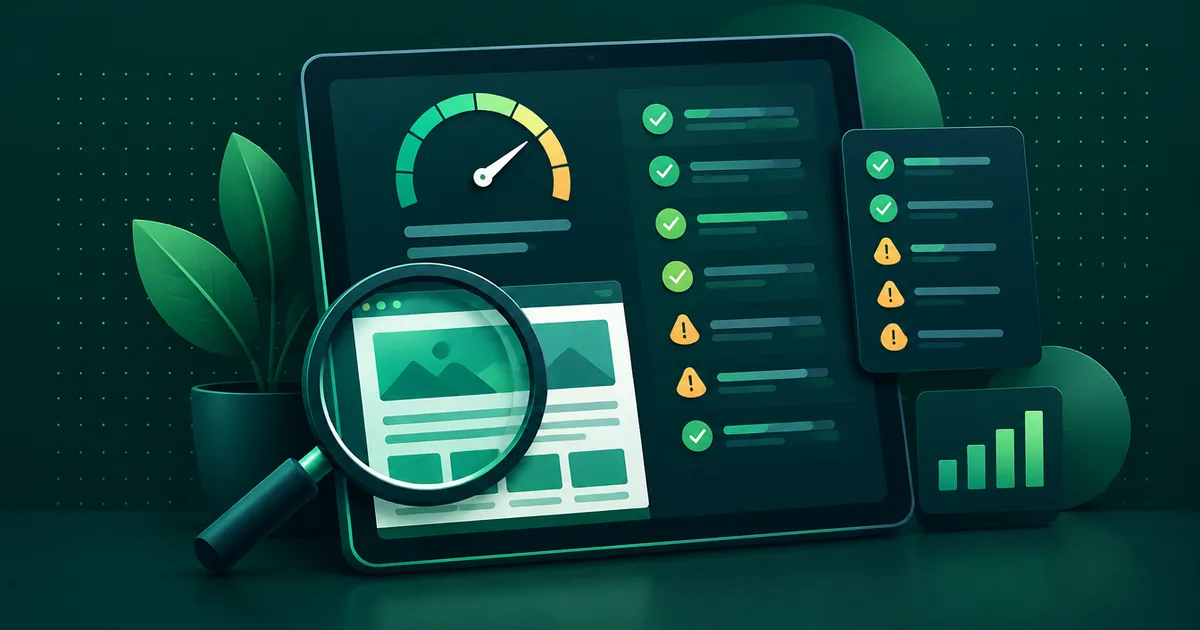
An accessible website is one that can also be used by someone who cannot see, cannot hear, has limited motor control or does not use a mouse. It is not a courtesy — in Slovakia it has been an obligation for the public sector since 2020, and for a large share of commercial services since 28 June 2025.
Most companies that approach us do not know this. Not because they do not care, but because nobody mentioned it — including the agency that built the site.
Who does accessibility apply to?
There are two separate sets of rules and they are often confused.
The public sector — authorities, ministries, municipalities, schools, hospitals and the organisations they establish. Directive (EU) 2016/2102 applies, transposed in Slovakia by Decree No. 78/2020 Coll. on standards for public administration IT. Section 14 mandates accessibility and Annex 12 covers design. The technical yardstick is EN 301 549, which in practice adopts WCAG 2.1 level AA.
The private sector — since 28 June 2025 the European Accessibility Act applies, Directive (EU) 2019/882. It does not cover every website; it targets specific services: e-commerce, banking, electronic communications, transport, e-books. If you sell online to consumers, you are almost certainly in scope.
Microenterprises are exempt — fewer than 10 employees and turnover or balance sheet total up to EUR 2 million. Note that the exemption attaches to the company, not the website: when you grow, the exemption disappears and the website stays the same.
Have a lawyer confirm the exact wording and the scope of your obligations. We can assess a website, not your legal position.
What does WCAG 2.1 AA mean in practice?
The standard has three levels: A, AA and AAA. The law asks for AA — roughly “it is usable”, not “it is perfect”. In practice it comes down to four things:
Perceivable. Every image that carries information has a text alternative. Video has captions. Text contrast against the background is at least 4.5:1. Information is never conveyed by colour alone — a red form field with no text does not report an error, it only hints at one.
Operable. The whole site can be used with a keyboard, without a mouse. Focus is visible. There is a “skip to content” link so that someone using a screen reader does not have to walk through the entire navigation on every page load. Animations can be turned off.
Understandable. The page declares its language. Form fields have labels, not just grey text inside the box. When something goes wrong, the user learns what and where.
Robust. The HTML is valid and semantic. A button is a <button>, a
heading is an <h2>. A screen reader cannot read a <div> that only
looks like a button thanks to CSS.
Which mistakes do we see most often?
This list comes from real audits, not from a textbook. It is ordered by frequency:
- Images with no alt text, or with alt text like
image-1.jpg. Watch for the opposite mistake too: a decorative image should have an emptyalt, not an invented description. - A form that reports errors only next to the fields. There is no error summary at the top, so after submitting, a screen reader user does not know anything failed until they reach the first field.
- Insufficient contrast. Most often grey text on white, and light text on a coloured button. Checkable in a minute.
- A dropdown menu that cannot be closed from the keyboard without moving focus elsewhere. Subtle, but genuinely blocking.
- Animation that ignores the system setting. Anyone who has reduced
motion enabled should not get animation. A single
@media (prefers-reduced-motion: reduce)block in CSS handles it. - PDFs with no text layer. A scanned document is a blank page to a screen reader. This mostly affects documents migrated from an old site.
- Video without captions. Even when embedded from YouTube — automatic captions are not enough and are not always available.
What can you check yourself?
No tools, no agency, one afternoon:
- Put the mouse away. Move through the whole site with the Tab key. Can you reach the menu, complete a form, submit it? Can you always see where you are?
- Zoom the page to 200%. Text should reflow, not disappear off the edge or overlap itself.
- Turn images off in your browser. Is the page still understandable?
- Look at a form. Does every field have a visible label even after you start typing in it?
If one of these fails, it is not a disaster — it is a work list. Most of it gets fixed in templates, meaning once for the whole site.
Why does accessibility pay off even without the law?
An accessible website is, as a side effect, better built for everyone. The semantic HTML a screen reader needs is the same HTML Google and language models need — it is the same machine reader. Contrast helps anyone on a phone in sunlight. Keyboard control is used by people without any disability too; they are just faster.
And one more thing that tends to get lost in accessibility debates: about one in ten people in Slovakia lives with some form of disability. That is not a fringe group, it is a tenth of your market.
How do we handle it?
On every project where accessibility belongs in the brief, we write it into the specification as an acceptance criterion — something that can be checked and rejected at the end, not a good intention. On public sector projects that also includes an accessibility statement and a report that shows, criterion by criterion, what is met, what is partially met and what is not.
If you do not know where your site stands, the mini audit is free and accessibility is part of it.