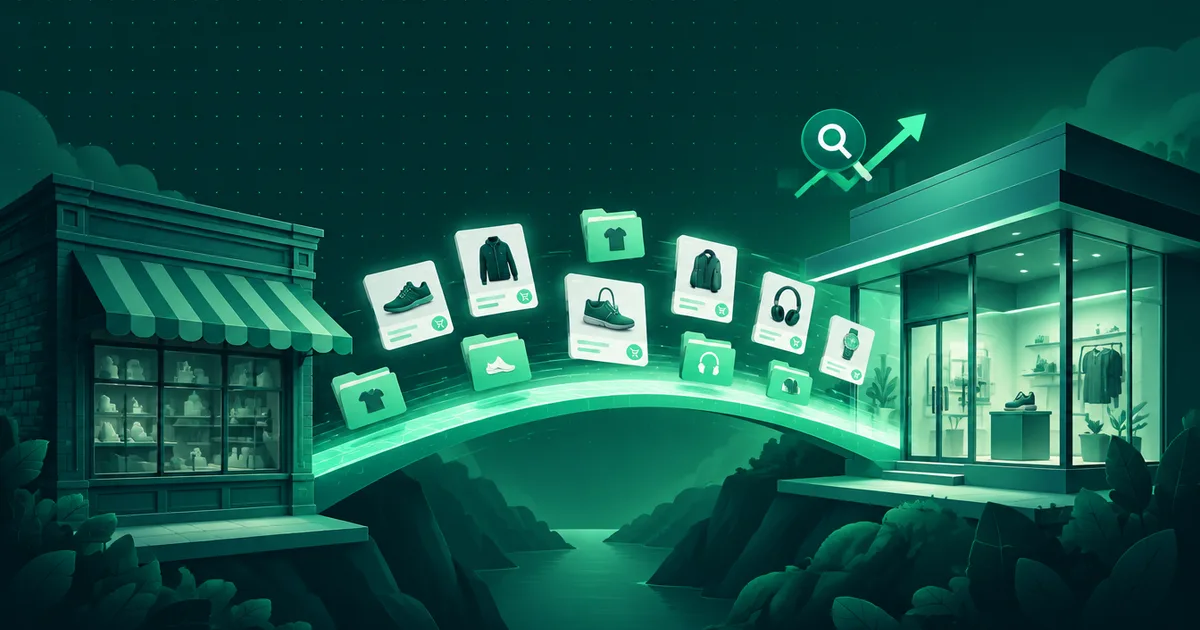
Own platform or rented? When moving your e-shop actually pays off
A rented platform is the right choice for most e-shops, and leaving one is usually an expensive mistake. But there are four situations where the monthly fee turns into a ceiling. Here is how to spot them.

Most e-shops belong on a rented platform. Shopify, Shoptet and their peers solve for a few tens of euros a month what would cost tens of thousands to build — and they do it well. Whoever recommends your own platform should first ask about your revenue and your processes.
But there are situations where the monthly fee stops being a service and becomes a ceiling. This article is about how to recognise them — and what it actually costs.
When is a rented platform enough?
Almost always at the start, and for a long time after. Specifically when most of this holds:
- you sell standard products in a standard way,
- an order follows the usual path: cart, shipping, payment, invoice,
- ready-made connections to stock, accounting and couriers are enough,
- the changes you want can be made in the admin or through an app from their store.
While that holds, migrating gives you nothing you do not already have. It only gives you cost and risk.
How do you know you have hit the ceiling?
1. You pay for features three times. The base plan, three to five paid add-ons and a developer who connects them. Once monthly platform and add-on costs pass a thousand euros, it is worth comparing a custom solution too.
2. Your process does not fit the platform. B2B pricing per customer, approving an order before dispatch, a product configurator, a booking with a time slot, a mix of goods and services on one order. On a ready-made platform these are often handled with add-ons and settings that need checking with every change.
3. The integration matters more than the shop. You have an ERP, production or warehouse that is the source of truth, and the e-shop is its shop window. A rented platform gives you an API. When you need to decide exactly when things recalculate and what happens when a sync fails, a solution built around your process pays off.
4. You need to work with the data directly. You want customers, orders and history in reports, in your ERP or CRM without manual exports. Check what export and API your platform offers. If they are not enough, that is a signal.
One signal is not enough. Two or more at once is a serious indication.
What does an own platform actually involve?
It is not “the same thing, but ours”. It is a system that has to do everything a rented platform quietly does in the background. When we build an e-shop on our own platform, the scope always includes:
- a catalogue with variants, categories, stock and pricing,
- the order flow from cart to dispatch, including statuses and notifications,
- payments and shipping, including the methods that are common locally,
- invoices and credit notes as PDFs, with a payment QR code,
- discounts, coupons and a loyalty programme,
- reviews, returns and complaints,
- an editorial side: pages, sections, menus, a blog,
- an admin a non-technical person can actually operate,
- a background job queue, so generating invoices and sending bulk email does not hold up a customer at the checkout.
That list cannot be shortened with “we do not need it yet”. You need most of it the moment you start selling.
That is why we maintain our own platform, ECOMMIO, and build custom e-shops on it repeatedly. It is not a template — every e-shop has its own processes — but a shared foundation that has already been through production. The price difference between “building from zero” and “building on a proven base” is decisive, and it is the only way a custom e-shop can be done for sensible money. An e-shop on ECOMMIO runs for a monthly fee, with no revenue share and no minimum term.
A note on terms: from the seller’s point of view, ECOMMIO is a rented platform too. The platform is ours and you rent your e-shop on it. The difference from an off-the-shelf platform is that we can add the features your sales need directly to the platform. For accounting, the admin can export products and orders.
What gets underestimated during migration?
Redirects. Old product and category URLs must lead to the new ones. Without a map of 301 redirects you lose search positions built over years, and you will not win them back in a week.
Order history. Customers expect to log in and see what they bought and when. Migrating history is dull work that gets left out of budgets, and if it is skipped it shows up immediately in support.
Content that is not a product. Descriptions, the blog, terms and conditions, FAQs, images. There is usually more of it than anyone remembers.
People. Your back office knows the old admin by heart. The new one is different, even when it is better. Training and running both systems in parallel for a transition period belong in the plan.
How do you decide?
Do not start with “own or rented”. Start with what is stopping you from selling more today. If the answer is “the platform cannot do it and never will”, the decision is clear. If the answer is “we do not have enough traffic” or “our product photos are bad”, migration will not help and the money belongs elsewhere.
If you are not sure, the mini audit is free and it ends with an answer even when that answer is “stay where you are”.